Nothing to configure
Install it and open a .csv, .tsv, .tab or .psv file. The delimiter, the header row and every column type are detected, and all three can be overridden per file.

CSV is the format everyone actually exchanges, and reading one in a text editor means counting commas. Opening it in a spreadsheet means leaving your editor — and often means the spreadsheet silently reformats your data on the way back out: dates rewritten, leading zeros dropped, long identifiers turned into scientific notation.
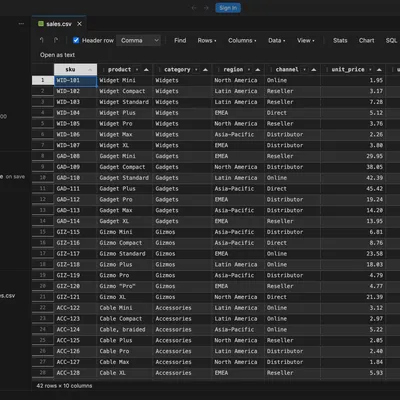
This extension puts the grid inside VS Code, on top of the file itself. The text document stays the source of truth, so Ctrl+S, Ctrl+Z, the dirty indicator, file watching and Git all behave exactly as they do for any other file. Nothing is cached in a parallel model that can drift, and nothing reformats your data behind your back.
Nothing to configure
Install it and open a .csv, .tsv, .tab or .psv file. The delimiter, the header row and every column type are detected, and all three can be overridden per file.
Nothing to upload
Every feature — parsing, statistics, charts, SQL, pipelines — runs locally inside VS Code. No service sees your data, and the extension works offline.
Nothing to unlearn
AutoFilter dropdowns, Ctrl+F, Ctrl+D, Ctrl+R, range selection with a live sum in the status bar. If you know the spreadsheet, you already know this.
Big files stay fast
Virtualised rendering keeps scrolling smooth past 100,000 rows, and editing, SQL and export operate on the whole file regardless of how much is on screen.
Double-click, F2, or just start typing. Insert, duplicate, move, delete and hide rows and columns. Split a column, merge several, transpose the table, fill down and right, trim, change case, drop duplicates. Ctrl+S saves the file; Ctrl+Z undoes into VS Code’s own undo stack.
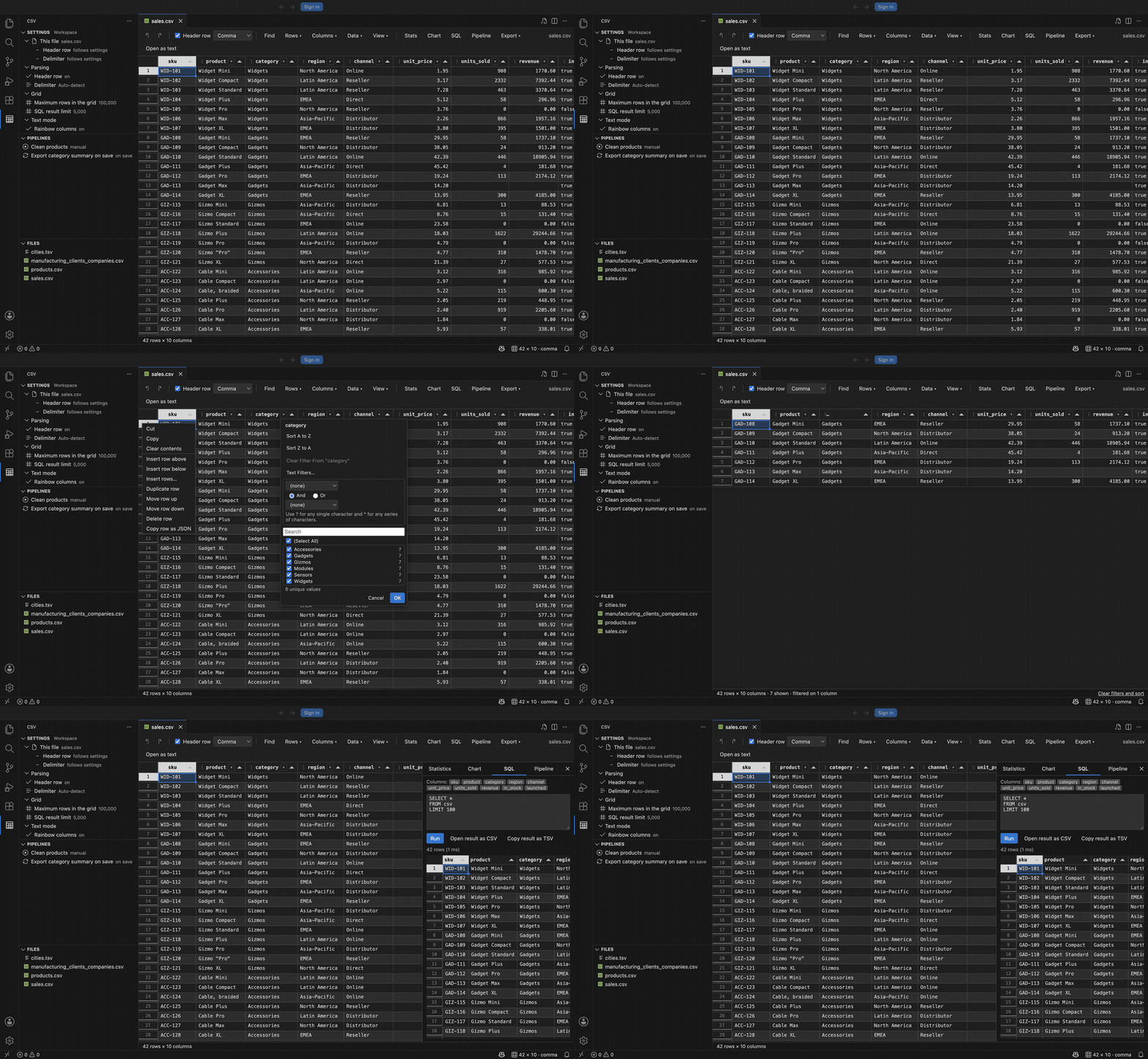
A searchable list of each column’s distinct values with counts, tri-state (Select All) and (Blanks), plus Text, Number and Date condition filters with wildcards. Value lists cascade from the other columns, so you never pick a combination that matches nothing.
Per-column counts, distinct values, blanks, min, max, sum, mean, median, standard deviation, quartiles and top values. Histograms for numeric columns, top-value bars for everything else.
The file is loaded into an in-memory SQLite database named csv. Joins onto itself, window functions, aggregates — all of it. Results copy out or open as a new CSV.
Describe a cleanup once as a .csvpipe.json file and re-run it on demand, on open, or on save. Fifteen no-code steps, two low-code expression steps, and code steps that shell out to pandas, jq, awk, Miller or anything else you already have.
The whole file or just the selection, to JSON, Markdown, HTML, SQL inserts, or a different delimiter. Selections go straight to the clipboard in a form Excel understands.
Install the extension.
From the Marketplace, or from a terminal:
code --install-extension bash-365.csv-grid-viewercodium --install-extension bash-365.csv-grid-viewercode --install-extension csv-grid-editor-1.0.0.vsixOpen any delimited file, then choose Open in Grid Editor from the title bar, Explorer menu, or Command Palette. CSV/TSV open as text by default so the grid does not hijack them.
Select a range of numbers. The status bar shows count, sum, average, minimum and maximum, exactly like the spreadsheet you came from.
Click the caret in a column header (or press Alt+Down) for sorting and Excel-style filtering.
Open the SQL panel and run SELECT * FROM csv LIMIT 10.
| Library | Role |
|---|---|
| PapaParse | RFC 4180 parsing and serialisation |
| Tabulator | Virtualised grid, range selection, clipboard |
| sql.js | SQLite compiled to WebAssembly |
| Chart.js | Charts |
Released under the MIT licence. Requires VS Code 1.90 or later; everything else ships inside the extension.